Blog post
Ad preview hub and other product news for February 2026

We’re back with another set of product updates for the Microsoft Advertising platform for February. Let's dive into the highlights across Audience ads and Performance Max.
This month’s top story: New ad preview hub for Audience ads
We’ve introduced an enhanced ad preview hub for Audience ads that gives you a clearer, more accurate view of how your ads can appear across the Microsoft Advertising Network. You can now preview ads on specific sites and devices to understand how they may look across different placements.
You can access the new hub while creating Audience campaigns by selecting “View all” in the ad preview.
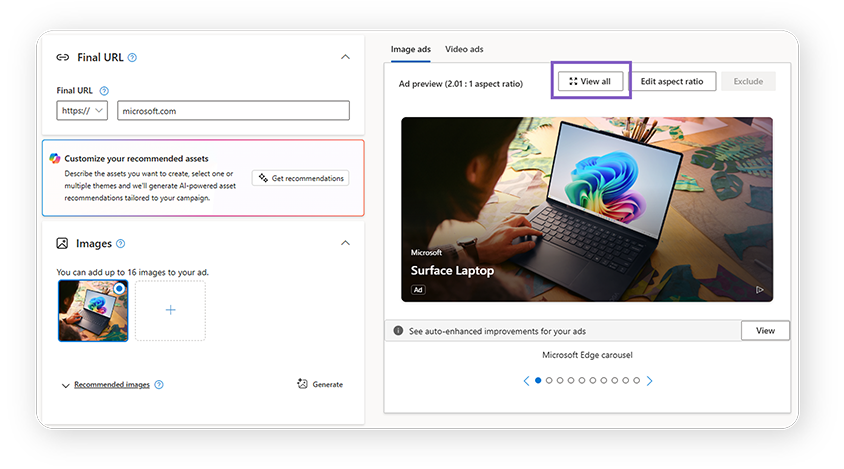
The new ad preview hub lets you:
- Choose a publisher to see how your ads may appear on a specific site or app*
- Select an asset if your campaign includes multiple assets
- Preview by device to understand how your ads render across screens
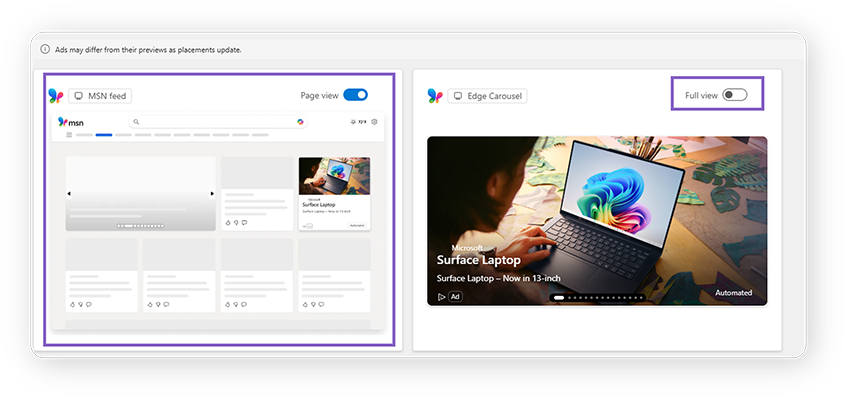
- Toggle between full view and ad view so you can see your ad in isolation or in the context of the full page
*The ad preview hub currently supports previews for MSN and Outlook. More sites will be added in the future.
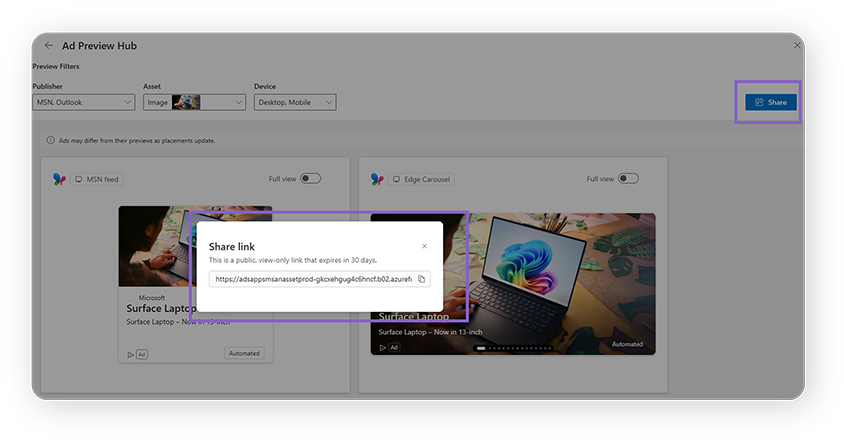
You can also generate a shareable link to send previews to partners or internal stakeholders who do not use the Microsoft Advertising platform.
The new ad preview hub will expand to other campaign types in the near future. Stay tuned to our blog for more updates.
Performance Max: New customer acquisition goals now generally available, and self-serve negative keywords in open beta
In the world of Performance Max, we’re delighted to announce new customer acquisition goals, which were shared as an open beta in our last post, are now generally available globally! This is available for any advertiser using “purchase” conversion goals. Take a look at the link above for more details and get set up for acquiring new customers today!
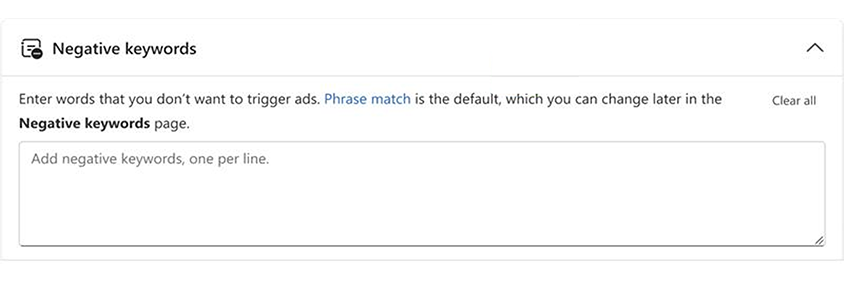
Additionally, for those of you who use Performance Max campaigns and want to prevent your ads from being shown with certain search queries, you can do this via an open beta for self-serve negative keywords. You can go to Campaigns → Negative keywords to get started.
What else you can try: New Google sign up
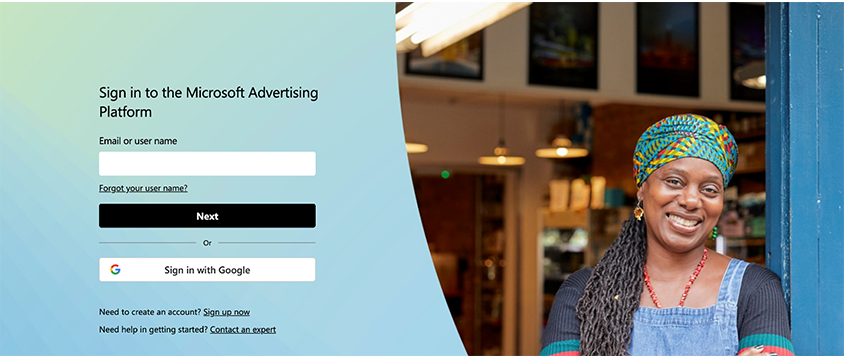
New advertisers can soon sign up for Microsoft Advertising with their Google accounts. This new signup option will be available globally, except for mainland China and India. With this new signup option, advertisers can create their first Microsoft Advertising campaign faster. Sign up with Google easily if you haven’t registered with Microsoft Advertising yet.
Help us keep improving your experience
That's all for this month's updates. We’ll see you back here in March with another recap of what’s to come in Microsoft Advertising.
In the meantime, your comments and feedback are integral to shaping and improving our product. You can use the Microsoft Advertising feedback portal, in-product feedback, X (Twitter), Instagram, or as always, contact Support.

Your input makes us better
Take our quick 3-minute survey and help us transform your website experience.